Tourlog guide
Library and documents
Riders
Library › Riders keeps the artist's rider as numbered versions, so crew and venues always get the
current one.
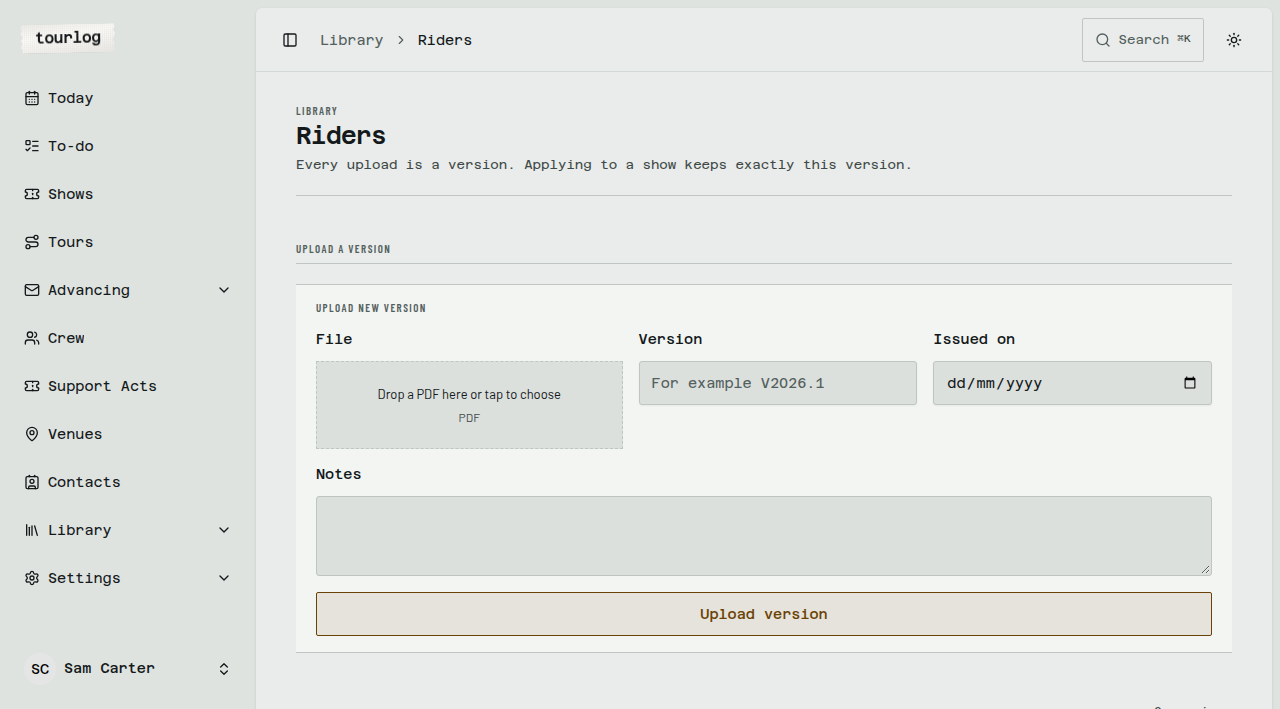
How to: upload a rider version
- Open Library › Riders.
- Tap
Upload a version. - Choose the PDF
File. - Enter
Version(for exampleV2026.1). - Enter
Issued on. - Add
Notesif useful. - Tap
Upload version.
The newest version by issue date is the Current version. Older ones stay under Version history.
How to: add the rider to a show
- In Library › Riders, find the
Current version. - Tap
Add to show. - Under
Choose a show, pick the show. - Tap
Add.
A frozen copy lands in the show's documents, and crew and venues can download it. Later rider versions
don't change copies already shared.
Tip: You can also do this from a show: on its Documents tab, under
From the library, tap
Attach.
Setlists
Library › Setlists holds reusable setlist templates and each show's setlist.
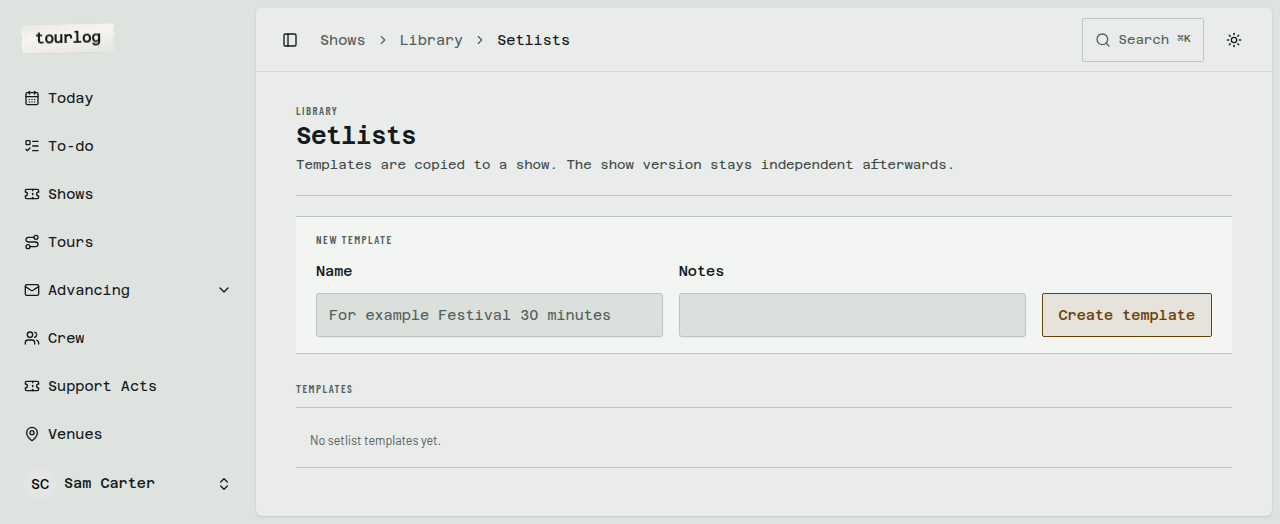
How to: build a setlist template
- Open Library › Setlists and tap
New template. - Name it (for example
Festival 30 minutes) and tapCreate template. - Under
Songs, tapNew songand enter title, key, BPM and duration in seconds. TapAdd song. - Add songs to the template. Add free-text lines (walk-on, applause break, encore) too.
- Use
Move upandMove downto order the rows. Set aDuration overrideor a note where needed.
How to: put a setlist on a show
- Open the template.
- Tap
Copy to show(orAdd to show). - Pick the show.
A show has one setlist. Open it from the show's Overview with Open the setlist for this show.
Documents
Documents are files that belong to a show, a tour or a venue.
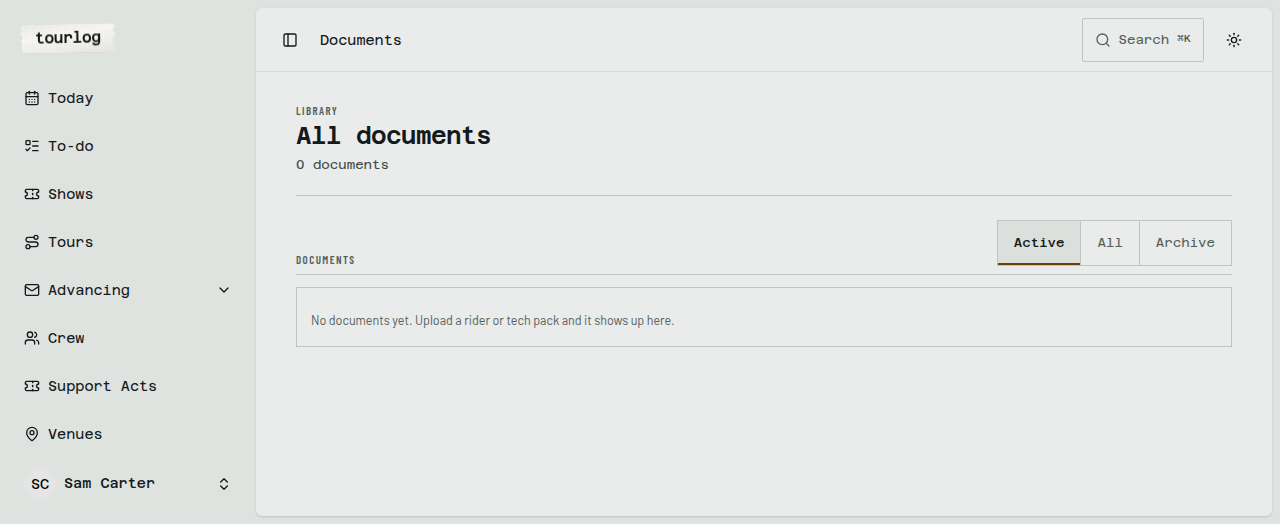
How to: upload a document to a show
- Open the show and choose the Documents tab (or Advancing › Documents for all of them).
- Tap
Upload document. - Enter a
Label(for exampleTechnical rider — venue). - Choose the file.
- Tick
Visible to crewif crew should see it on their link. - Save.
Replacing a file
Upload a new file to the same document. The previous file is kept as an earlier version. Find it under
Earlier versions. Nothing is deleted.
Who sees what
Crew and venues see:
- riders (any document whose label contains "rider", or a rider you added from the library), and
- documents marked
Visible to crew.
Everything else, including files filed from advancing mail, stays admin-only until you tick Visible to crew.