Tourlog guide
Importing
Tourlog never imports silently. Every import shows a preview first, and nothing is saved until you
confirm.
Import a season from a CSV
Use this when your season lives in a spreadsheet, or to edit many shows at once.
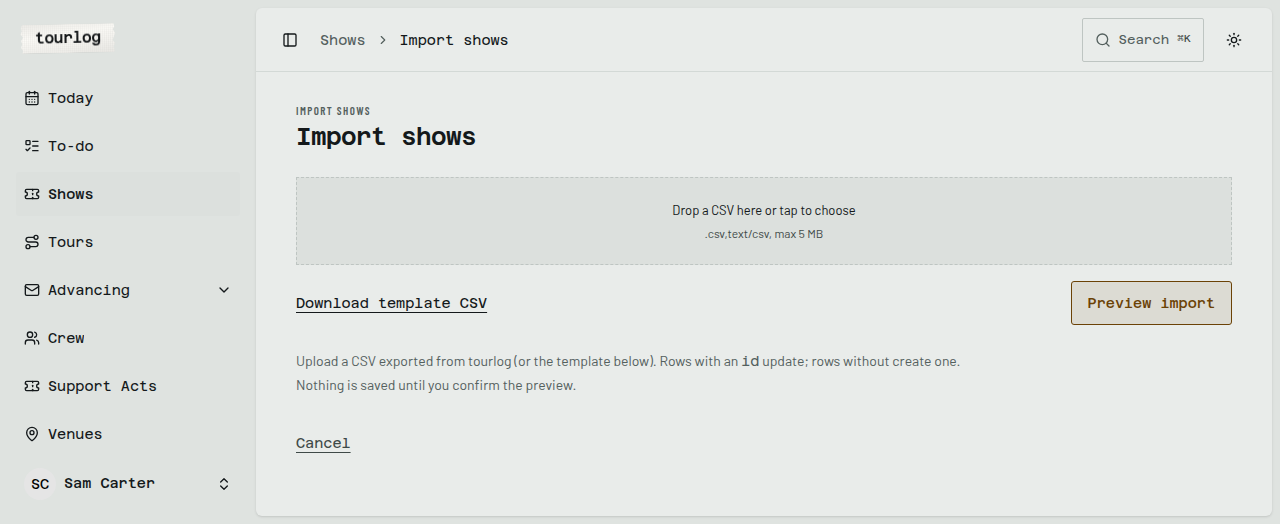
How to: bring in shows from a spreadsheet
- On Shows, open
Import & exportand tapImport a CSV. - Tap
Download template CSVto get a file with the right columns. - Fill it in a spreadsheet and save it as CSV.
- Upload the file.
- Tap
Preview import. - Read the preview (see below).
- Tap
Import selected.
Reading the preview
Each row is marked new, update or error, with a field-by-field Old → New comparison.
| Row type | What happens on confirm |
|---|---|
| New | A show is created |
| Update | The existing show is changed (the row has an id) |
| Error | Skipped. The reason is shown, for example This row is skipped. Fix it in the CSV and upload again. |
- Unknown venues are offered as
Create venue "…"orPick existing venue →. Nothing is created
silently. - Archived shows show
Show is in the archive — restore to update it. Tick them to restore. - Tap
Show raw rowto see the original line.
Formats Tourlog understands
| Field | Accepted |
|---|---|
| Dates | Day first: 21-08-2026, 21/08/2026, 21.8.26 |
| Times | 8:00 or 21:30 |
| Status | Option, Confirmed, Completed, Cancelled |
| Show type | By name or slug |
| Country | NL, DE, BE, FR, GB, OTHER |
Tip: Export first.
Export this selection as CSVgives you a file whose columns already match,
including theidthat makes a row an update. Edit it and import it back.
Import from Stager
Many venues advance through Stager. If a venue sends you a Stager itinerary or advancing-form link,
Tourlog can read it.
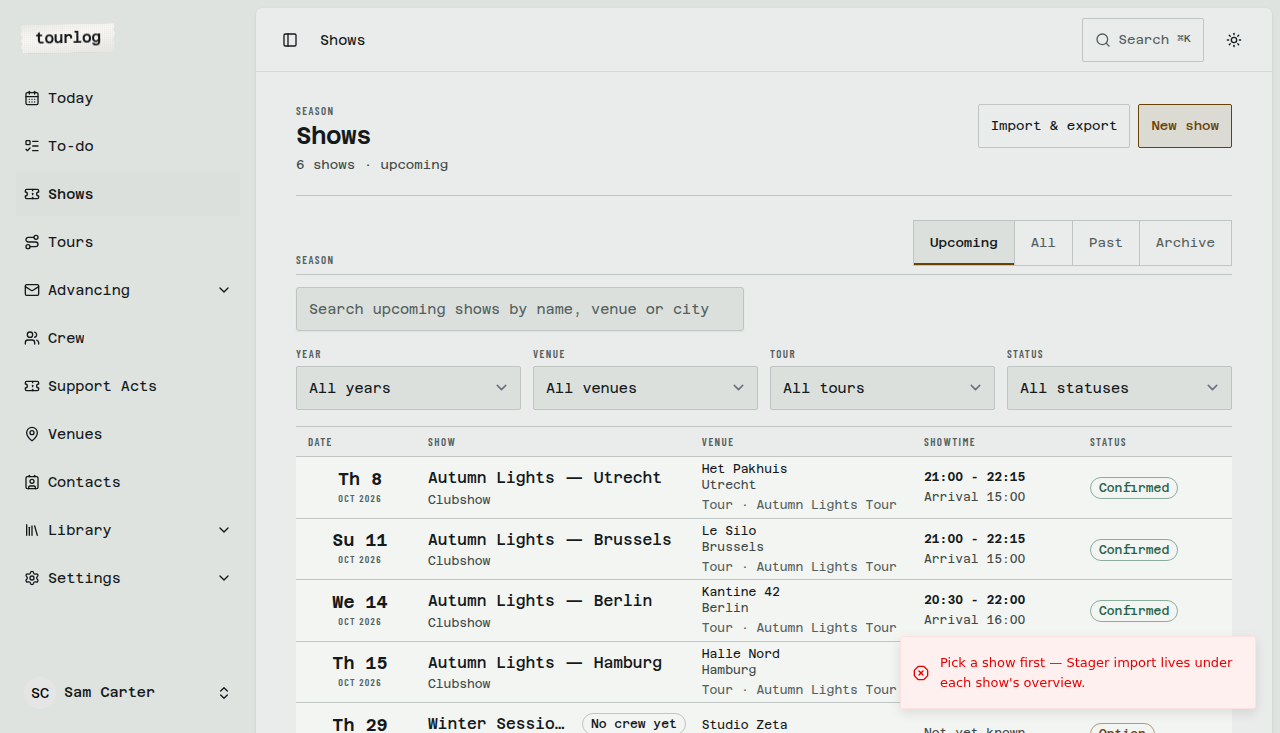
How to: import a Stager page
- Open the show and, in the Overview's Stager panel, tap
Import from Stager. - Paste the venue's link (
<venue>.stager.co/…) intoStager URL. - Tap
Fetch preview. - Review the preview and tick what you want:
- Schedule rows. If one clashes with a row you have, choose
Add alongside,Replace existing
orSkip.Replace the current scheduleswaps everything. - Contacts, new or changed.
- Section text for Technical, Hospitality, Parking, Merch, Content and Management.
- Schedule rows. If one clashes with a row you have, choose
- Confirm.
Topics Tourlog has no field for are listed as "not imported", so you can copy what you need.
Checking for updates
If the venue changes their Stager page, tap Check for updates on the show. Tourlog fetches it again and
shows a new preview.
Undoing an import
Straight after you confirm, a toast offers Undo for 10 seconds. The server allows undo for 2 minutes,
only for the show's latest import. Afterwards, change things by hand.
Tip: Imported section text and contacts stay admin-only. They are never shown on crew or venue
links.