Tourlog guide
Tourlog user guide
Tourlog is a tour-management app for the person who runs the road. It keeps your season in one
place (shows, venues, times, contacts, riders), helps you collect the missing details from venues,
and gives your crew a clean day sheet on their phone. They don't need an account or an app.
This guide is for tour managers using Tourlog for an artist. It describes what you see on screen,
using the words you see on screen.
Start here
| If you want to… | Read |
|---|---|
| Sign in, learn the layout, and set up your first show | Getting started |
| Create and manage the season | Shows |
| Work inside one show: schedule, guests, documents, to-do | The show page |
| Set up tours, crew, support acts, venues and contacts | Tours, crew, venues and contacts |
| Collect the missing details from venues by email | Advancing |
| Give crew and venues their day sheet | Sharing and the crew reader |
| Store riders, setlists and documents | Library and documents |
| Bring a season in from a spreadsheet or a venue's Stager page | Importing |
| Change your account, edit templates, or check the system | Settings, archive and history |
| Fix something that looks wrong, or look up a term | Troubleshooting, FAQ and glossary |
Four ideas to keep in mind
- You decide. Tourlog proposes. Nothing is attached to a show, applied to a field, imported or
sent until you tap the button that says so. Imports always show a preview first. - "Not yet known" is a normal answer. Most fields can stay empty until you know. Tourlog shows
the gap honestly instead of guessing, so you can see at a glance what is still open. - Nothing is lost. Deleting means archiving. Archived items can be restored, and every change is
logged with its previous value. - Crew never log in. They get a personal link. They open it and read the day sheet.
Conventions in this guide
Code fontis the exact text of a button, field or message on screen.- Times are 24-hour (
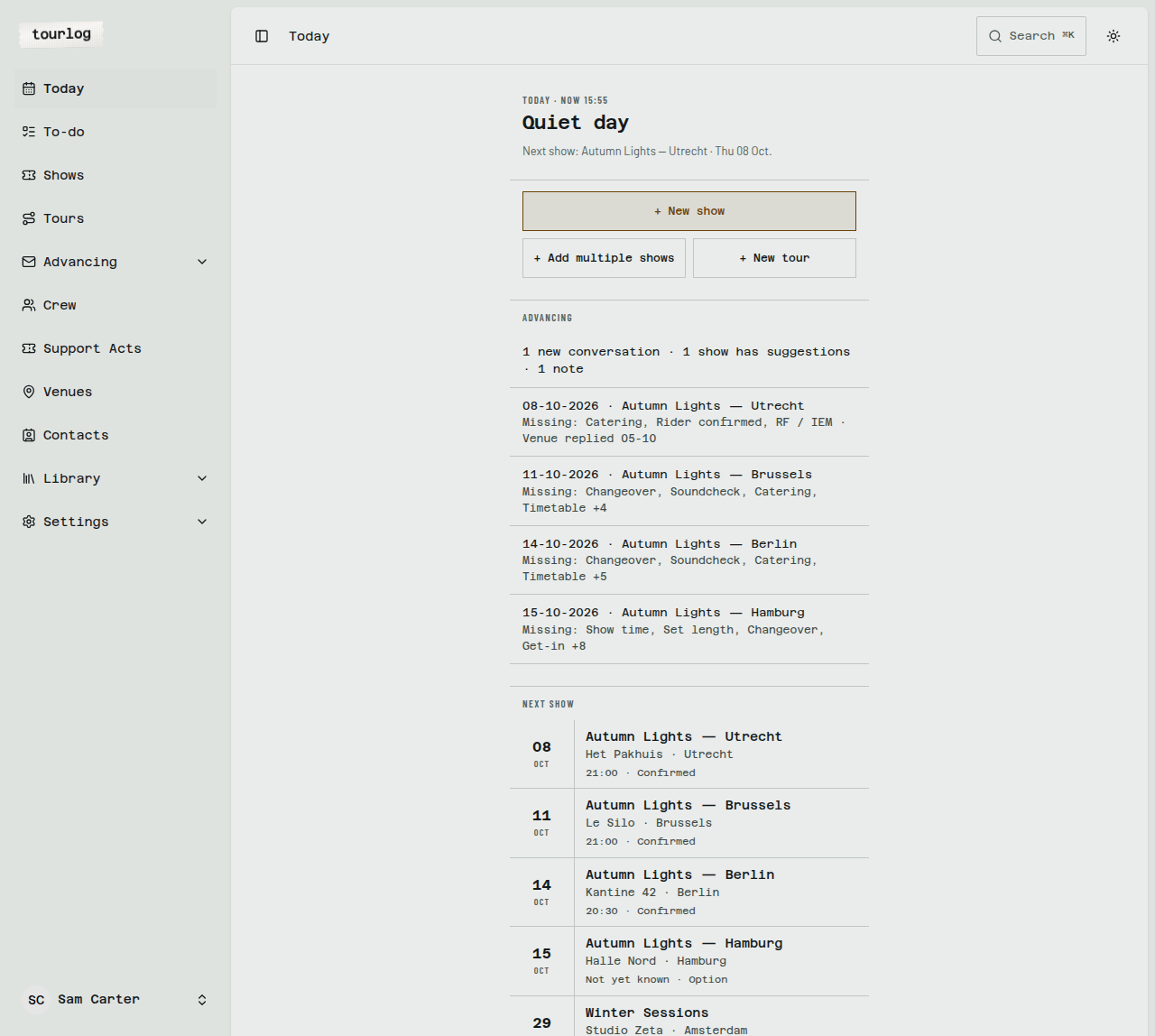
14:00). Dates are shown as08-10-2026orThu 08 Oct. - Screenshots use a fictional artist and fictional venues.
- Tourlog is designed phone-first. Every admin screen also works on a laptop.
- Tourlog serves one artist per installation. If you tour with several artists, each artist has
their own Tourlog.